


You bought some crypto. Maybe it’s sitting on Binance, maybe on Coinbase. And now someone in a Telegram group said, “Get it off exchanges, use Trust Wallet.” So here you are, wondering whether that’s actually good advice or just noise.
This guide is for you. Whether you’re a cautious first-timer or someone who’s been holding coins for years without ever moving them off an exchange, we’ll walk through everything: what Trust Wallet actually is, whether it’s safe, how to use it, what it costs, and how it compares to its biggest rivals. No jargon overload. No fluff.
What Is Trust Wallet?
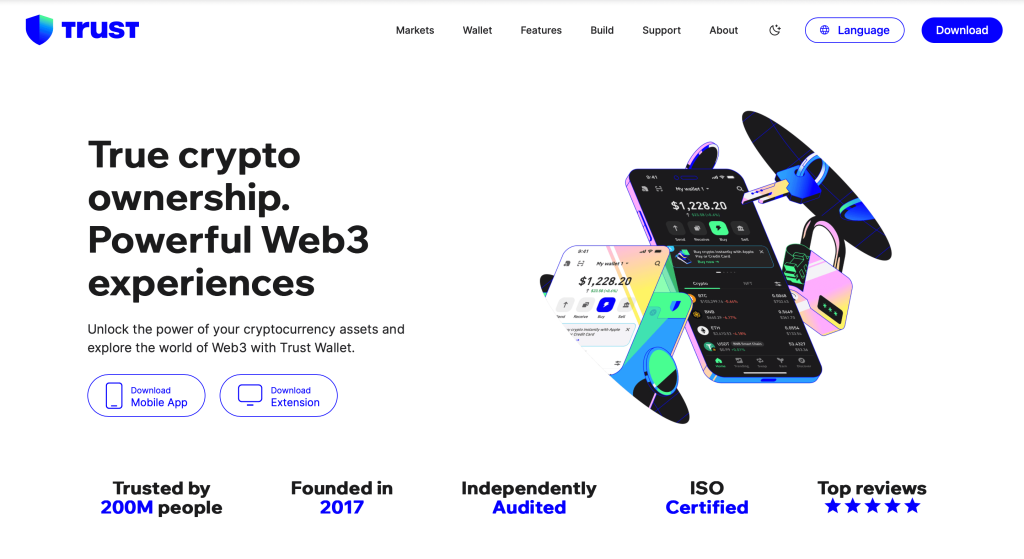
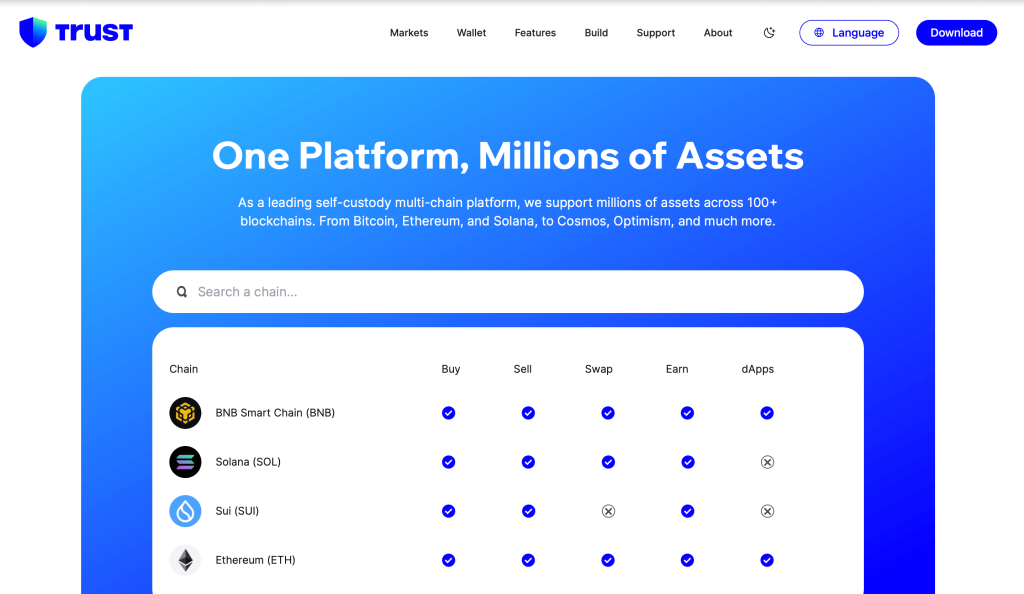
Trust Wallet is a self-custody crypto wallet, meaning you hold your own private keys, not a company. It started as a simple Ethereum wallet back in 2017, and Binance acquired it in 2018. Since then, it’s grown into one of the most popular mobile wallets in the world, supporting 100+ blockchains and millions of assets.
The core idea is straightforward: instead of leaving your crypto on an exchange (where you’re trusting someone else to hold it for you), Trust Wallet lets you be your own bank. Your coins, your keys, your responsibility.
It supports Bitcoin, Ethereum, BNB, Solana, Polygon, Avalanche, and hundreds of other networks. There’s a built-in DeFi browser, staking features, and an NFT viewer. And it’s free to download.
Who Owns Trust Wallet?
Trust Wallet is owned by Binance, the world’s largest cryptocurrency exchange by trading volume. Binance acquired the wallet in July 2018 when it was still a small startup. The original founder, Viktor Radchenko, eventually departed, and the wallet is now operated as a standalone product under the Binance umbrella.
Some people get nervous when they hear “owned by Binance”, understandably so, given Binance’s regulatory history in various countries. But here’s the key distinction: Trust Wallet is non-custodial. Binance (or Trust Wallet’s team) does not have access to your funds. Your private key and recovery phrase are stored only on your device. The company cannot freeze or confiscate your assets, even in theory.
That said, owning your keys also means: if you lose your recovery phrase, nobody can help you recover your funds. Not Trust Wallet. Not Binance. Nobody.
Is Trust Wallet Safe?
This is the question that brings most people here, so let’s answer it properly.
Trust Wallet has a solid security track record. It’s open-source (you can inspect the code), non-custodial, and it doesn’t store any user data on centralized servers. Here’s what the security picture looks like:
- Non-custodial: Your keys live on your device, not on Trust Wallet’s servers.
- Open-source code: Both the iOS and Android apps are fully open source and audited.
- No KYC required: You don’t need to create an account or provide personal information just to use the wallet.
- Biometric & PIN protection: The app supports Face ID, fingerprint, and PIN locking.
- No data collection on wallet activity: Trust Wallet doesn’t log your transaction history on their end.
The risks, however, are also real:
- Phishing attacks: Fake Trust Wallet websites and apps are common. Always download from the official website or app stores.
- Recovery phrase exposure: If someone gets your 12-word recovery phrase, they own your wallet. Forever.
- Device theft or loss: Without backups, losing your phone can mean losing your crypto.
- Smart contract risks: If you connect to a malicious DeFi app, your funds could be drained.
Bottom line: Trust Wallet itself is safe. The risks come from user behavior, not the app. Treat your recovery phrase like cash: write it down, store it somewhere physical, and never share it with anyone.
Is Trust Wallet Cold Wallet?
No, and this is a common point of confusion. Trust Wallet is a hot wallet, meaning it runs on an internet-connected device (your phone or browser). Cold wallets, like a Ledger or Trezor, are hardware devices that store your private keys completely offline.
Hot wallets are more convenient for everyday use. Cold wallets are more secure for long-term storage of large amounts.
Some people use Trust Wallet for day-to-day transactions and smaller holdings, while keeping their main stack on a hardware wallet. That’s actually a pretty reasonable setup. Think of Trust Wallet as your everyday checking account and a cold wallet as a savings vault.
If you’re holding a life-changing amount of crypto, a hardware wallet is worth the investment. If you’re holding a few hundred dollars and actively using DeFi apps, Trust Wallet does the job well.
Trust Wallet Login: How Does It Work?
This is a question that trips people up because Trust Wallet doesn’t work like a traditional app login. There’s no email and password. There’s no account tied to your identity.
When you open Trust Wallet, the app authenticates you using your device PIN, fingerprint, or Face ID. That’s it. The wallet is stored locally on your device.
If you get a new phone, you restore your wallet by entering your 12-word recovery phrase. This is the only way to access your wallet on a new device. There’s no “forgot password” button and no customer support that can help you recover access if you’ve lost your phrase.
This is the trade-off with self-custody: maximum control, maximum responsibility.
How to Withdraw From Trust Wallet?
“Withdrawing” from Trust Wallet means sending your crypto somewhere else — typically to an exchange where you can sell it for fiat currency. Here’s how that works:
- Open Trust Wallet and tap on the asset you want to withdraw (e.g., Bitcoin or USDT).
- Tap “Send.”
- Enter the destination address — this is usually your deposit address on an exchange like Binance, Coinbase, or Kraken.
- Enter the amount and review the network fee.
- Confirm the transaction.
A few important notes: always double-check the destination address before confirming. Crypto transactions are irreversible. Also, make sure you’re sending on the correct network — sending BNB Chain tokens to an Ethereum address on the wrong network is a common and costly mistake.
After you send, the funds will appear in your exchange account within a few minutes to a few hours, depending on network congestion.
Trust Wallet Fees: What Does It Actually Cost?
Trust Wallet itself charges zero fees for basic wallet usage. However, fees show up in two situations:
Network (Gas) Fees
Every blockchain transaction requires a fee paid to network validators. This fee isn’t going to Trust Wallet — it goes to miners or stakers on the network. Gas fees vary based on network congestion. Ethereum gas fees can spike during busy periods; BNB Chain fees tend to be much cheaper.
Swap Spread
When you use Trust Wallet’s built-in swap feature, there’s a small spread (usually around 0.3–0.85%) built into the exchange rate. This is how Trust Wallet earns revenue from swaps. You can often get better rates by going directly to a DEX like Uniswap or PancakeSwap, though that requires a few more steps.
Summary: downloading and holding crypto in Trust Wallet is free. Moving it costs network fees (which vary). Swapping inside the app costs a small spread.
What Is Trust Wallet Token?
Trust Wallet Token (TWT) is the native utility token of the Trust Wallet ecosystem. Here’s what it’s used for:
- Governance: TWT holders can vote on platform proposals and future development decisions.
- Discounts: Some features within the Trust Wallet app offer discounts when paid with TWT.
- Incentives: Trust Wallet has used TWT for various promotional campaigns and rewards.
TWT is available on Binance and several other exchanges. You can also hold it directly in your Trust Wallet. It’s worth noting that TWT is more of a utility and governance token than a high-growth speculative play — though like any crypto asset, its price fluctuates with market conditions.
If you’re a heavy Trust Wallet user or interested in participating in governance, holding some TWT makes sense. If you’re purely using Trust Wallet as a storage tool, you don’t need TWT at all.
Trust Wallet VS. MetaMask Wallet: Which Should You Use?
Both Trust Wallet and MetaMask wallet are non-custodial hot wallets, and both are widely used. The right choice depends on how you use crypto.
| Feature | Trust Wallet | MetaMask |
| Multi-chain support | 100+ blockchains | Primarily EVM chains |
| Built-in DEX swap | Yes | Yes |
| NFT support | Yes | Yes |
| Bitcoin support | Yes | No (EVM only) |
| Stacking | Yes | Limited |
| Best for | Mobile DeFi, multi-chain | Ethereum DeFi, desktop |
If you mainly use Ethereum and want the best DeFi experience on desktop, MetaMask has a slight edge. If you hold a variety of coins across multiple blockchains and prefer mobile, Trust Wallet wins on convenience.
There’s also a third category worth mentioning: users who don’t actually want to manage wallets, browser extensions, or DeFi connections themselves. Not everyone wants to worry about gas fees, recovery phrases, or manually bridging assets across networks.
Platforms like IZAKA-YA are built specifically for those users. Instead of functioning purely as a wallet, the platform combines custody, token swaps, and earning opportunities into a single streamlined experience. For someone who already owns crypto but feels overwhelmed by self-custody tools like MetaMask or Trust Wallet, that simpler setup can be a much more approachable starting point.
Over time, many users eventually move into self-custody as they become more comfortable with crypto. But for beginners, ease of use often matters more than maximum decentralization on day one.
Trust Wallet VS. Exodus Wallet: A Different Kind Of Comparison
Exodus wallet is another popular multi-chain wallet with a strong emphasis on design and user experience. It’s available on desktop, mobile, and even as a hardware wallet companion. Here’s how it stacks up:
| Feature | Trust Wallet | Exodus Wallet |
| Open source | Yes | No (closed source) |
| Staking | Yes | Yes |
| Swap fees | ~0.3–0.85% spread | Higher variable spread |
| Hardware wallet | No native support | Trezor integration |
| Customer support | Community/docs | Live chat available |
| Best for | DeFi users, mobile | Beginners, desktop users |
Exodus is often recommended for beginners because of its polished UI and live customer support. Trust Wallet is better for DeFi-focused users who want open-source code and broader blockchain support. If you’re new to crypto and not planning to touch DeFi yet, Exodus is more beginner-friendly. If you want to explore DeFi and need wide chain support, Trust Wallet is the stronger pick.
IZAKA-YA: A Simpler Alternative for Beginners
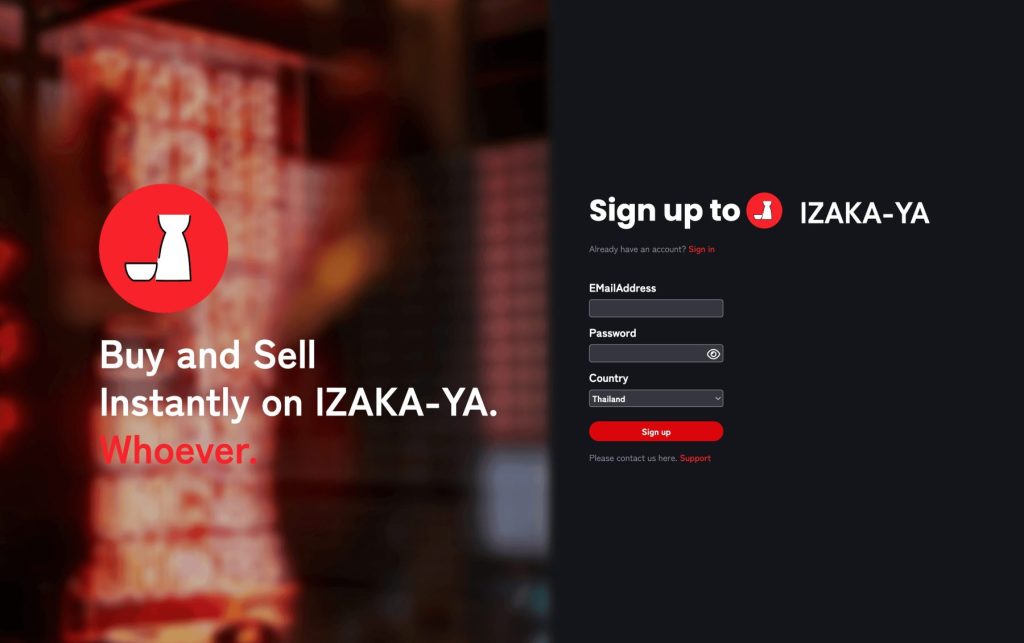
Self-custody wallets like Trust Wallet give you full ownership of your crypto, but they also come with real responsibility. You need to protect your recovery phrase, manage network fees, verify wallet addresses carefully, and understand how blockchain transactions work. For experienced crypto users, that’s normal. For beginners, it can feel overwhelming very quickly.
That’s where custodial platforms like IZAKA-YA come in.
Rather than functioning purely as a wallet, IZAKA-YA is designed as an all-in-one crypto platform where users can store assets, swap tokens, and explore earning opportunities from a single interface. The goal is simplicity. You don’t need to manually connect to multiple DeFi apps or worry about configuring different blockchain networks just to start using your crypto.
Frequently Asked Questions
Yes, as long as you have your 12-word recovery phrase. Install Trust Wallet on your new device, select “Import existing wallet,” and enter your phrase. Your wallet and funds will be fully restored.
No. Receiving crypto in Trust Wallet is always free. You only pay network fees when sending.
No. Your private key and recovery phrase are generated and stored locally on your device. Trust Wallet’s team has no access to them.
Since Trust Wallet is non-custodial, your funds would be unaffected. You can always import your recovery phrase into any compatible wallet (MetaMask, Exodus, Ledger, etc.) and access your funds. The company shutting down would not affect your ability to access your crypto.
For long-term holding, yes. Exchanges have been hacked, frozen, or shut down — events that have left users unable to access their funds. With Trust Wallet, you hold your own keys. The trade-off is personal responsibility for securing your recovery phrase.


