

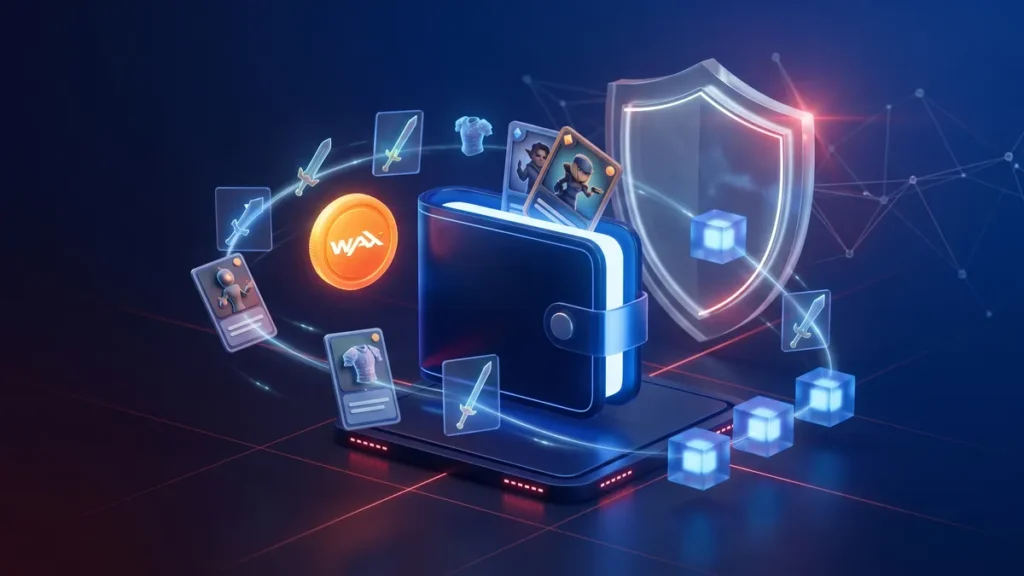
Crypto wallets come in many forms, but some ecosystems create their own specialized solutions. That is exactly where the WAX wallet enters the picture. If you trade NFTs, play blockchain games, or interact with the WAX blockchain regularly, understanding how this wallet works can make your experience much smoother.
In this guide, we will explain what a WAX wallet is, how the newly rebranded My Cloud Wallet works, the unique resource mechanics behind its “feeless” transactions, and how it compares to alternative crypto wallets available today.
What Is a WAX Wallet?

Before choosing any crypto wallet, it helps to understand what network it was built for.
A WAX wallet is a cryptocurrency wallet designed for the WAX blockchain, also known as the Worldwide Asset eXchange. The WAX ecosystem is popular for blockchain gaming, NFT trading, and digital collectibles. Many play-to-earn games and NFT marketplaces operate directly on this network.
Unlike traditional wallets that focus mainly on storing digital coins, WAX wallets are optimized for gaming assets and fast, recurring NFT interactions. The most commonly used option today is My Cloud Wallet (formerly known as the WAX Cloud Wallet), which allows users to access blockchain applications without the typical, complicated Web3 setup processes.
Key Functions of a WAX Wallet
A standard WAX wallet allows users to:
- Store WAXP tokens
- Send and receive crypto assets
- Buy, sell, and manage NFTs
- Connect to blockchain games
- Interact with decentralized applications
- Stake tokens for network resources
For beginners entering the NFT or GameFi space, the accessibility of the WAX ecosystem remains one of its biggest advantages.
Understanding My Cloud Wallet
Many new users discover the WAX ecosystem through My Cloud Wallet because it removes the steep technical barriers found in traditional crypto wallets.
Unlike older setups that force users to secure a seed phrase before they can even look at the interface, My Cloud Wallet allows for a seamless onboarding experience. Users can create an account using social logins like Google, Facebook, or Discord. More recently, the platform has integrated passkey technology, allowing you to sign in using your device’s fingerprint, Face ID, or PIN for faster, password-less access.
While the wallet interface is free to use, it is important to know that WAX currently requires a small mandatory account creation fee, typically 5 WAXP. This fee was introduced to prevent botting and network spam. While some game developers choose to subsidize this cost for their new players, the baseline protocol requires this payment to unlock your account.
The WAX Resource Model and the “Boost” System
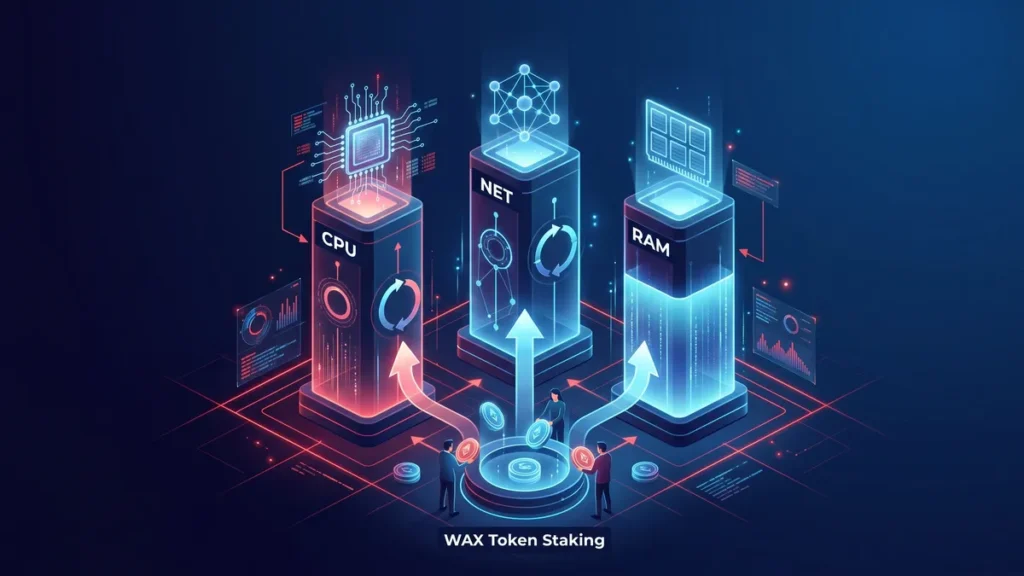
Unlike Ethereum or Solana, which charge you a network fee (gas) that disappears forever with every transaction, WAX uses a delegated Proof-of-Stake system based on three core resources. This means WAX is practically “feeless,” but it is heavily resource-dependent.
| Resource | Function | How It Is Acquired |
| CPU | Processing power for smart contracts and games. | Staked (tokens are locked, then refunded when unstaked). Regenerates over 24 hours. |
| NET | Network throughput capacity for sending data. | Staked (tokens are locked, then refunded when unstaked). Regenerates over 24 hours. |
| RAM | Permanent storage for digital assets and account data. | Bought and sold on a dynamic internal marketplace. |
My Cloud Wallet Features
The current iteration of My Cloud Wallet offers features designed for both accessibility and security:
- Non-Custodial Options: While it starts as a cloud-based login, My Cloud Wallet now offers a non-custodial experience. You can choose to truly own your keys by generating a 12-word mnemonic phrase.
- Anchor Wallet Pairing: For advanced users who want maximum security, you can bridge My Cloud Wallet with Anchor Wallet—a desktop and mobile authenticator. This lets you keep the convenient cloud interface while signing transactions with a higher degree of security.
- NFT Marketplace Integration: The wallet connects directly with major WAX NFT marketplaces, allowing users to trade collectibles seamlessly.
- Built-In Resource Management: Users can buy RAM and stake WAXP for CPU and NET directly from the dashboard.
Who Is Suitable for a WAX Wallet?
This setup is ideal for casual blockchain gamers and digital collectors who prioritize accessibility. If you want to jump into a virtual world, buy a gaming pack, and start playing without calculating fluctuating network fees, this configuration is tailor-made for you. It is also highly suitable for Web3 newcomers who want a clean platform that behaves like a modern web application.
For experienced crypto users, WAX generally functions as a secondary wallet for gaming rather than a primary, long-term storage solution for diverse portfolios.
Pros and Cons of Using a WAX Wallet
Every wallet comes with trade-offs.
Advantages:
- Beginner-friendly onboarding with passkeys and social logins
- Staking model means no burned gas fees for transactions
- Fast transaction processing
- Deep integration with major blockchain games
Disadvantages:
- Requires a 5 WAXP account creation fee
- Resource management (CPU/NET/RAM) can confuse beginners initially
- Much smaller DeFi ecosystem than Ethereum or Solana
- Limited utility outside of the WAX network
Compare WAX Wallet to Alternative Wallets
The crypto wallet market has become highly competitive. While WAX wallets work well for NFTs and gaming, some users may prefer broader multi-chain support.
Here is a simple comparison.
| Wallet | Best For | Main Strength |
| WAX Cloud Wallet | NFTs and blockchain gaming | Easy onboarding and no-gas staking |
| MetaMask | Ethereum ecosystem | DeFi integration |
| Phantom | Solana ecosystem | Fast, multi-chain NFT trading |
| Trust Wallet | Multi-chain asset storage | Multi-chain crypto support |
MetaMask
MetaMask wallet is one of the most widely used wallets in crypto. It supports Ethereum and many EVM-compatible chains. Compared to a WAX wallet, MetaMask offers stronger DeFi functionality but can feel more technical for beginners.
Phantom
Phantom wallet became popular through the Solana NFT ecosystem. Users who actively trade Solana NFTs often compare Phantom and WAX wallets because both focus heavily on collectibles and gaming experiences. However, the Solflare vs Phantom comparison is even more common among Solana users, as both wallets are designed specifically for the Solana ecosystem and offer strong support for NFTs, staking, and decentralized applications.
Trust Wallet
Trust Wallet provides support for multiple blockchains in one application. Users who hold many different cryptocurrencies may prefer it over ecosystem-specific wallets.
For users interested in earning passive yield from idle crypto assets, IZAKA-YA Crypto Lending Wallet also offers lending-focused features designed for long-term holders exploring alternative income opportunities.
IZAKA-YA
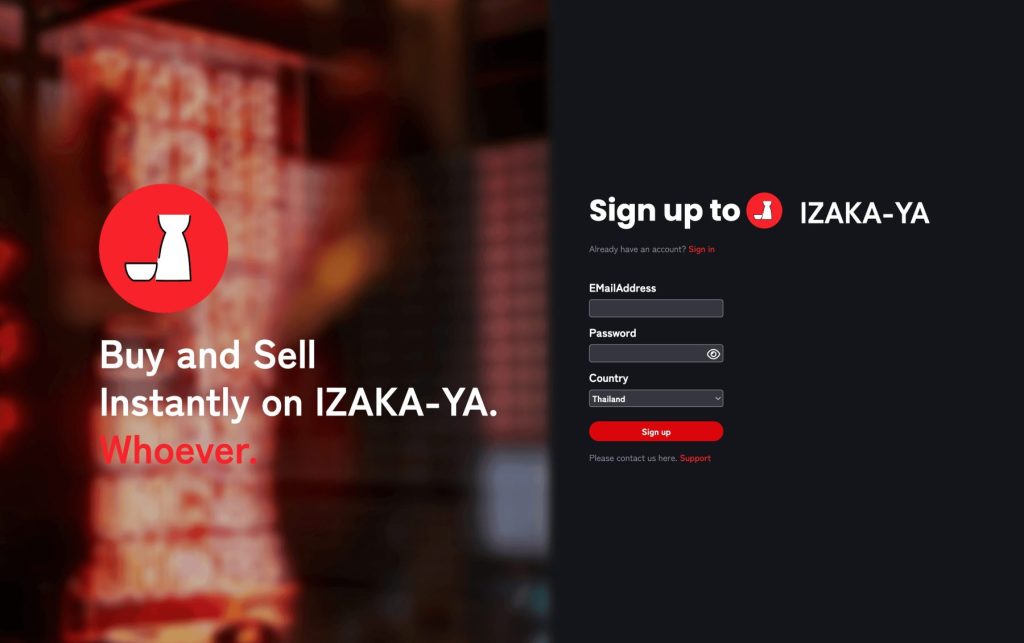
IZAKA-YA is positioned as an ideal entry point for beginners who want to explore cryptocurrency without getting bogged down by complicated decentralized finance (DeFi) mechanics. Rather than acting as just a digital vault to hold tokens, IZAKA-YA functions as a comprehensive, all-in-one ecosystem designed to put idle assets to work immediately.
Register IZAKA-YAkeyboard_arrow_right
Is the WAX Wallet Safe?
Security is a primary concern for crypto users. My Cloud Wallet balances convenience and safety by offering multiple layers of protection.
While it uses a cloud-based login, the addition of passkey technology ties your login to your device’s biometric security (Face ID or fingerprint), heavily reducing the risk of phishing. Furthermore, the ability to generate a 12-word mnemonic phrase means users can transition to a fully non-custodial setup, meaning nobody but you controls your private keys. You can also implement two-factor authentication and manage app permissions directly from the settings.
Safety Tips for WAX Wallet Users
- Enable device passkeys for secure, password-less logins.
- If you generate a 12-word phrase, store it offline on paper, never in a digital document.
- Regularly review and revoke permissions for dApps you no longer use.
- Double-check marketplace URLs to avoid phishing scams.
Common Mistakes Beginners Make
New users often rush in without understanding the mechanics. Avoid these pitfalls:
- Ignoring the Resource Model: Forgetting that you need to stake WAXP for CPU to keep playing games after your daily “Boost” runs out.
- Poor Key Management: Relying only on a basic social login without setting up passkeys or a mnemonic backup.
- Treating Gaming Tokens as Investments: Blockchain gaming is volatile; tokens earned in-game can fluctuate heavily in value.
Frequently Asked Questions About WAX Wallet
It is mainly used for storing WAXP tokens, managing NFTs, and connecting to blockchain games within the WAX ecosystem.
No, there is typically a mandatory account creation fee of 5 WAXP to prevent network spam, though some specific games will subsidize this for new players.
WAX does not use traditional gas fees. Instead, you stake WAXP tokens for CPU and NET resources to process transactions. You get these tokens back when you unstake them.
It offers both. You can use it as a custodial cloud wallet for convenience, or you can generate a 12-word seed phrase to take full non-custodial ownership of your keys.
Other examples of hot wallets include Uphold Wallet, Bybit Wallet, and Zengo Wallet. Each wallet has different features, supported assets, and levels of control, so the right choice depends on your preferred way of managing crypto.
Besides WAX Wallet, users can choose wallets designed for specific networks. For example, Electrum Bitcoin Wallet is focused on Bitcoin transactions, while a Sui wallet is built for managing assets on the Sui blockchain.