



If you’ve spent any time in crypto, you’ve probably heard the phrase “not your keys, not your coins.” That idea is exactly why Coinbase Wallet exists, and why it’s completely different from the Coinbase exchange you might already use.
Whether you’re a long-term holder looking for more control over your assets, a DeFi explorer who wants to connect to protocols directly, or just someone trying to figure out what to do with your Bitcoin and ETH beyond leaving it on an exchange. This guide covers everything you need to know.
What Is a Coinbase Wallet?
Coinbase Wallet is a self-custody crypto wallet: meaning you, and only you, control the private keys to your funds. It’s built and maintained by Coinbase, but it operates completely separately from the Coinbase exchange platform.
When you store crypto on the Coinbase exchange, it holds your keys for you. With Coinbase Wallet, you hold them yourself using a 12-word recovery phrase. This distinction matters a lot: if Coinbase the company went offline tomorrow, your assets in Coinbase Wallet would still be 100% yours and accessible.
It’s available as:
- A mobile app (iOS and Android)
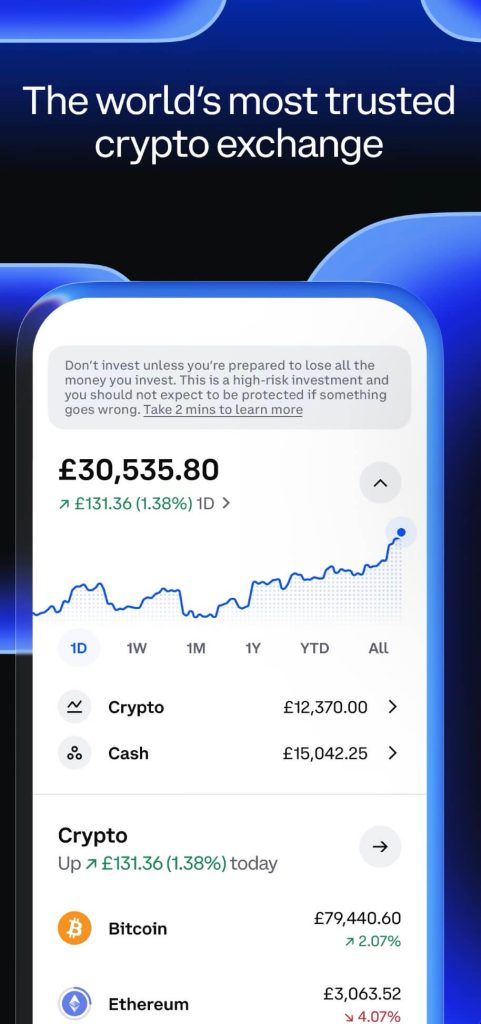
- A browser extension (Chrome-based browsers)
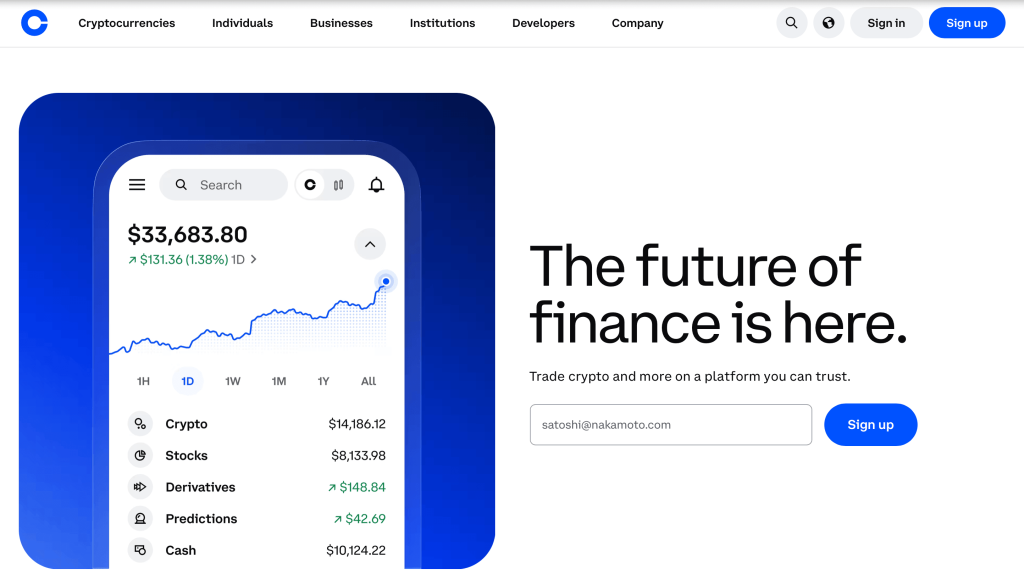
You don’t need a Coinbase account to use it. Anyone can download the Coinbase Wallet app, set it up with a new wallet, and start using it: no ID verification, no email required.
Coinbase vs. Coinbase Wallet: What’s the Difference?
This is one of the most common points of confusion in crypto. The names are almost identical, but the products are fundamentally different.
| Feature | Coinbase (Exchange) | Coinbase Wallet |
| Who holds your keys? | Coinbase | You |
| Requires account? | Yes | No |
| Custodial? | Yes | No |
| Access to DeFi? | Limited | Full |
| Supports NFTs? | Limited | Yes |
| Buy crypto with fiat? | Yes | Via integrations |
| KYC required? | Yes | No |
Think of Coinbase the exchange like a bank: easy to use, insured in some ways, but you’re trusting them with your money. Coinbase Wallet is more like a personal safe, more responsibility, but full control.
Is Coinbase a Decentralized Wallet?
Partially, and this is where things get nuanced.
Coinbase Wallet is non-custodial, which means Coinbase does not hold your funds or control your private keys. That part is decentralized. Your recovery phrase is generated locally on your device and never sent to Coinbase’s servers.
However, Coinbase Wallet is still developed and maintained by a centralized company, Coinbase Inc. The app is also largely closed-source, meaning third parties cannot fully audit the codebase the same way they can with some open-source wallet alternatives. So while your assets remain under your control in practice, users are still placing a degree of trust in Coinbase’s software and infrastructure.
For many beginners, this balance between usability and self-custody works perfectly well. Coinbase Wallet is often considered more approachable than some advanced Web3 wallets, especially for users transitioning from centralized exchanges into decentralized applications.
That said, users looking for greater transparency or deeper Web3 flexibility may prefer alternatives such as MetaMask wallet, which is widely used across Ethereum and EVM-compatible ecosystems, or Phantom wallet for Solana-based applications. Meanwhile, security-focused users often combine hot wallets with hardware wallets like Ledger wallet or Trezor wallet to keep long-term holdings offline.
Ultimately, the best choice depends on your priorities. Some users value convenience and smoother onboarding, while others prioritize open-source transparency, advanced DeFi access, or maximum security.
Coinbase Wallet App: Features You Should Know About
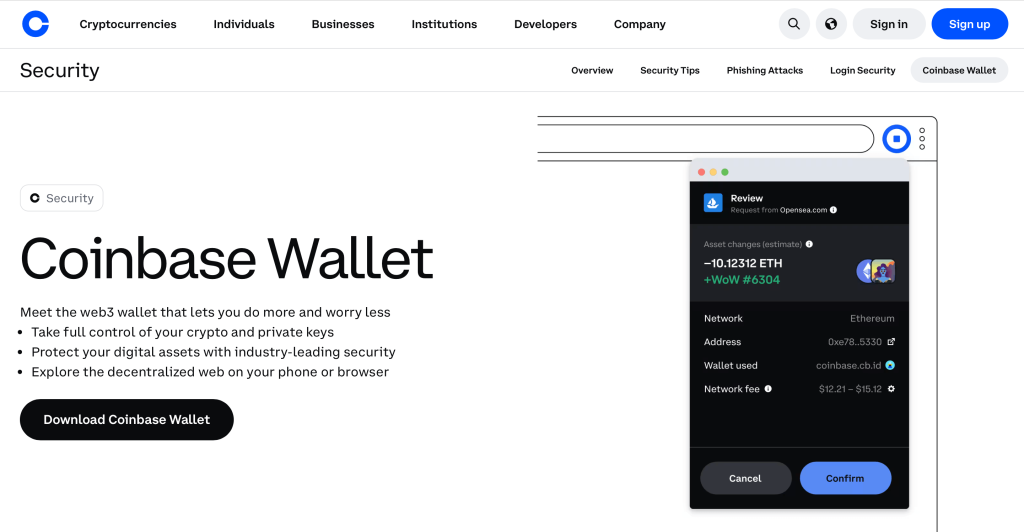
The Coinbase Wallet app has grown significantly over the past few years. Here’s what it actually offers:
- DeFi and dApp Access: The built-in dApp browser lets you connect directly to decentralized exchanges (like Uniswap or Curve), lending protocols (like Aave), and other DeFi apps — all without leaving the wallet.
- NFT Management: You can store, view, and send NFTs directly from the app. It also displays NFTs across multiple chains in one unified view.
- Token Swaps: Coinbase Wallet has an integrated swap feature, letting you trade tokens directly inside the app across supported chains. It aggregates liquidity from multiple DEXes to find competitive rates.
- WalletLink / Coinbase Wallet SDK: When using the browser extension, you can connect your mobile wallet to desktop apps via QR code, similar to how WalletConnect works.
- Username System: Coinbase Wallet lets you set a human-readable username (like alice.cb.id) instead of pasting a long hex address every time someone needs to send you crypto.
Coinbase Wallet Address: How It Works
When you create a Coinbase Wallet, you receive a unique wallet address for each blockchain. For Ethereum and EVM-compatible chains, this looks like: 0x4B20993Bc481177ec7E8f571ceCaE8A9e22C02db
This address is what you share with others to receive funds. Each chain has its own address format:
- Ethereum / EVM chains: Start with
0x, 42 characters long - Bitcoin: Start with
1,3, orbc1 - Solana: Base58-encoded string, typically 32–44 characters
Your Coinbase Wallet address is always the same for a given chain, regardless of which device you use, as long as you restore with the same recovery phrase. You can find your address inside the app by selecting the relevant network and tapping “Receive.”
Is Coinbase Wallet Safe?
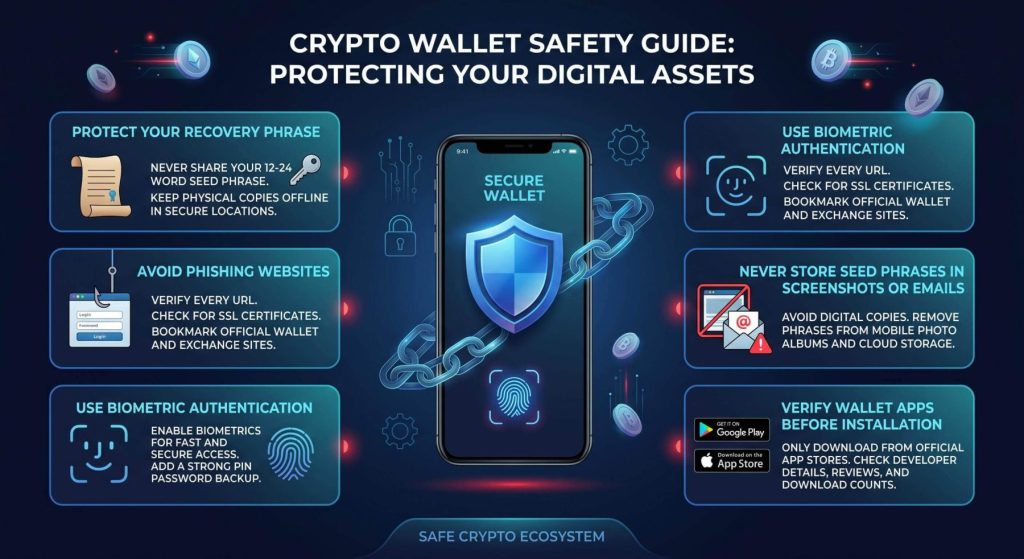
Safety in self-custody wallets mostly comes down to one thing: protecting your recovery phrase.
Here’s what Coinbase Wallet does well:
- Your private keys never leave your device
- The app supports biometric authentication (Face ID / fingerprint)
- You can back up your encrypted recovery phrase to Google Drive or iCloud
- Coinbase doesn’t have access to your funds
Here’s what you need to be careful about:
- If you lose your 12-word recovery phrase and your device, your funds are gone permanently
- Anyone who gets your recovery phrase can access all your funds — from any device
- Phishing sites and fake wallet apps are the #1 risk, not the wallet itself
The cloud backup feature is convenient but adds a layer of trust in Google or Apple. For maximum security, write your phrase down on paper and store it somewhere safe. Definitely not in a screenshot or notes app.
Compared to keeping funds on an exchange, Coinbase Wallet gives you significantly more control and removes the risk of exchange insolvency . The tradeoff is that you’re fully responsible for your own security.
Coinbase Wallet Login: How Access Actually Works
There’s no traditional “login” with Coinbase Wallet in the way you might expect. You don’t create a username and password tied to an account on Coinbase’s servers.
Instead, access works like this:
-
-
- First setup: You create a wallet and receive a 12-word recovery phrase. Write it down and never share it.
- Daily use: You unlock the app with your PIN, Face ID, or fingerprint.
- New device: You restore your wallet by entering your 12-word recovery phrase. The wallet rebuilds your keys from scratch.
-
This means there’s no “forgot password” option and no customer support team that can reset your access. The recovery phrase is the only way back in if you’re locked out.
If you’ve enabled iCloud or Google Drive backup, Coinbase Wallet can restore from there but you’ll still need to verify ownership through the associated account.
How to Withdraw Money from Coinbase Wallet
Withdrawing (converting crypto to fiat) from Coinbase Wallet takes a couple of steps since the wallet itself isn’t connected to a bank account.
Method 1: Transfer to Coinbase Exchange, then withdraw
-
-
- Open Coinbase Wallet and tap “Send”
- Enter your Coinbase exchange deposit address as the destination
- Confirm the transaction (pay the network fee)
- Once received on Coinbase, sell your crypto for fiat
- Withdraw to your bank account
-
Method 2: Sell via the in-app integration: Coinbase Wallet has a built-in “Buy/Sell” feature that connects to your Coinbase account if you have one. You can sell crypto directly and receive funds to your linked payment method.
Method 3: Use a DEX and bridge (advanced): For tokens not listed on Coinbase, you can swap to a major asset via a DEX (like Uniswap), then transfer to an exchange for fiat conversion.
Keep in mind: every on-chain transfer costs a network fee (gas), so moving small amounts can be inefficient depending on current network conditions.
Coinbase Wallet vs. MetaMask: Which Is Better?
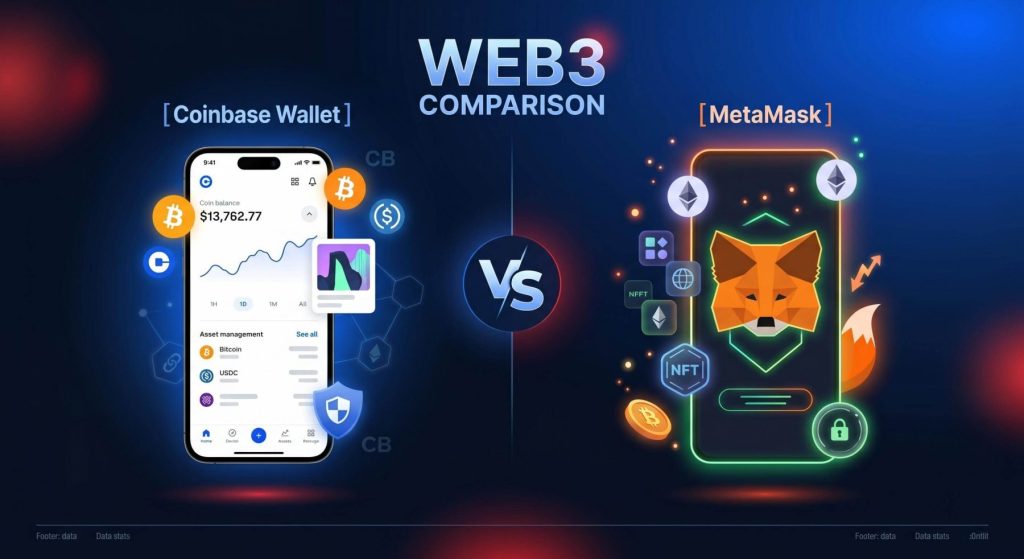
Both are popular non-custodial wallets with broad DeFi support. Here’s how they compare:
| Feature | Coinbase Wallet | MetaMask |
| Open source | Partial | Yes |
| Mobile app | Yes | Yes |
| Browser extension | Yes | Yes |
| Multi-chain (non-EVM) | Yes (Bitcoin, Solana) | EVM only (natively) |
| Built-in swaps | Yes | Yes |
| NFT display | Yes (strong) | Limited |
| Hardware wallet support | Yes | Yes (Ledger, Trezor) |
| Best for | Beginners, Base users | DeFi power users |
MetaMask has a larger ecosystem of integrations and is more commonly supported across dApps, especially older ones. Coinbase Wallet wins on user-friendliness, mobile experience, and multi-chain support without requiring extra configuration.
For most everyday users, especially those already using Coinbase, Coinbase Wallet is the easier choice. For DeFi-heavy users who need granular control and maximum dApp compatibility, MetaMask remains the gold standard. And if you’re brand new to crypto and the idea of managing private keys feels like too much too soon, custodial platforms like IZAKA-YA offer a gentler on-ramp with built-in tools for lending and swapping, all without needing to leave the platform.
Coinbase Wallet and Taxes: What You Need to Know
Yes, transactions in your Coinbase Wallet are taxable events in most jurisdictions including the US.
Key points:
- Swapping tokens (e.g., ETH to USDC) is a taxable disposal in the US
- Receiving crypto is taxable income if it came from staking, yield farming, or as payment
- Sending crypto from one wallet you own to another is not taxable
- NFT sales are taxable gains or losses
Coinbase Wallet does not generate a built-in tax report. Since it’s a self-custody wallet, transactions aren’t automatically linked to your Coinbase account for tax purposes.
To handle taxes from Coinbase Wallet:
- Export your wallet address and import it into tax tools like Koinly, CoinTracker, or TaxBit
- These tools pull your on-chain transaction history and calculate capital gains/losses automatically
- Keep records of the USD value of tokens at the time of each transaction
Tax laws regarding cryptocurrency vary by jurisdiction. However, if you are unsure about your tax obligations, it is advisable to consult a qualified tax professional with expertise in digital assets.
IZAKA-YA: Beginner-friendly Custodial Alterative
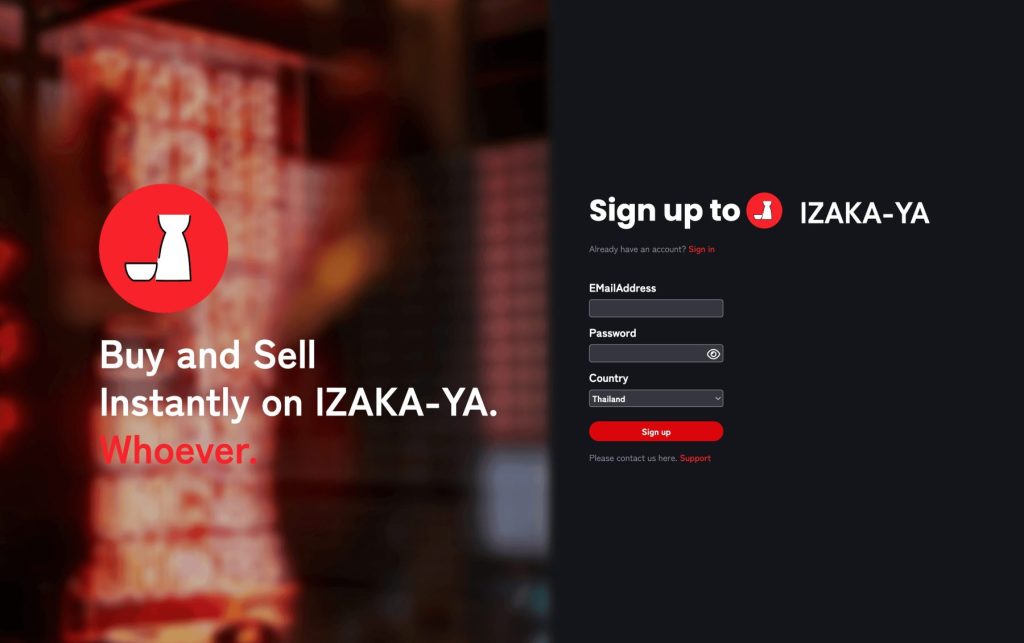
Self-custody wallets like Coinbase Wallet give you complete control over your crypto, but that level of responsibility isn’t always ideal when you’re new to the space. Managing a recovery phrase, securing private keys, and avoiding costly mistakes can feel overwhelming at first.
That’s where custodial platforms can make things easier. IZAKA-YA is built for users who want a simpler way to get started. Instead of just holding your assets, the platform lets you earn returns through lending and swap tokens without moving funds between different apps or exchanges. Everything happens in one place, which makes the experience much more straightforward for beginners.
Of course, that convenience comes with a tradeoff. Because IZAKA-YA manages your private keys for you, you don’t have the same level of ownership and control that comes with a self-custody wallet. But if you’re still learning the ropes and aren’t planning to dive into NFTs or advanced on-chain activities just yet, many users find that tradeoff worthwhile. It can be a practical stepping stone while you build confidence and gain experience in crypto.
Register IZAKA-YAkeyboard_arrow_right
Frequently Asked Questions
Yes. Coinbase Wallet is a standalone app that doesn’t require a Coinbase exchange account. You can download it, create a wallet, and use it independently.
If you’ve stored your 12-word recovery phrase somewhere safe, you can restore your wallet on any new device. Without the recovery phrase (or a cloud backup), the funds would be permanently inaccessible.
The app is free to download and use. However, all on-chain transactions require paying a network fee (gas), which goes to blockchain validators — not to Coinbase.
It supports thousands of tokens across multiple chains including Ethereum, Solana, Bitcoin, Polygon, and more. However, not every obscure token on every chain may be supported in the interface.
No. When you hold crypto on Coinbase’s exchange, it lives in a custodial wallet managed by Coinbase. Coinbase Wallet is a separate self-custody product where you control your own keys.