


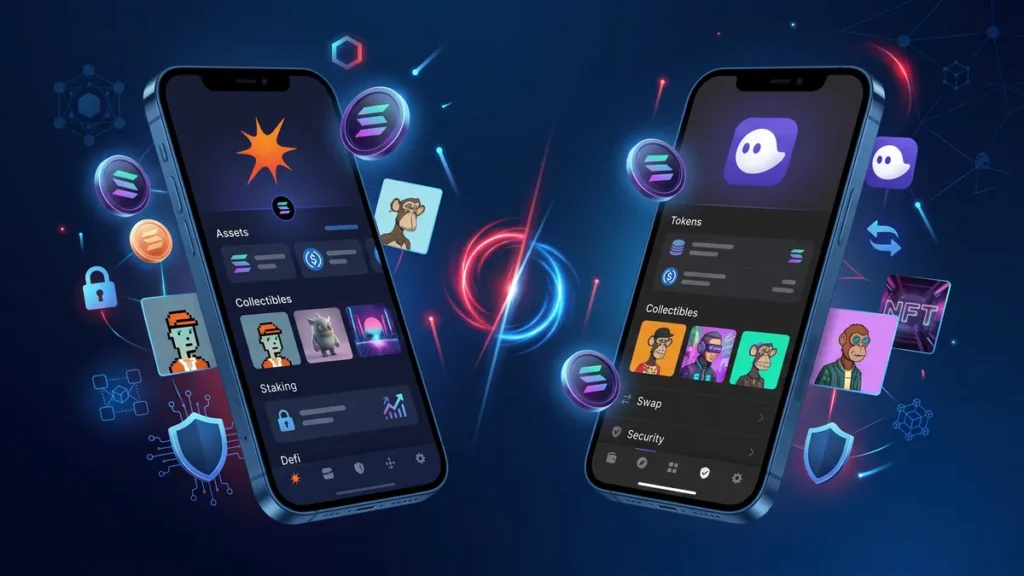
If you’ve spent any time exploring the Solana ecosystem, you’ve probably come across two names more than any others: Solflare vs Phantom. Both wallets are trusted by millions of users and provide fast access to Solana’s growing ecosystem of decentralized applications, NFTs, staking, and DeFi.
Choosing between them isn’t always easy because they share many core features. However, they also have meaningful differences that can make one a better fit depending on how you use crypto.
This guide compares Solflare vs Phantom in detail, covering security, usability, staking, browser extensions, mobile apps, supported blockchains, and more. Whether you’re a long-term SOL holder or an active DeFi user, you’ll have a clearer idea of which wallet suits your needs.
What Are Solflare and Phantom?
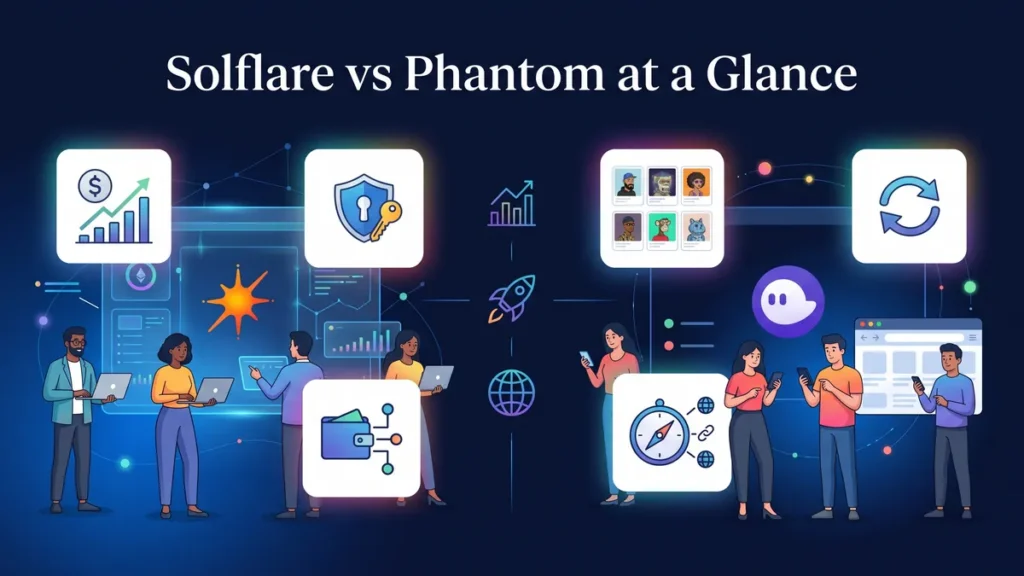
Choosing the right place to store your digital assets can feel overwhelming when you are just getting started. Solana has become one of the most popular blockchain networks due to its blazing fast speeds and incredibly low transaction costs. When you want to interact with the Solana ecosystem, you need a non-custodial wallet. This means you hold your own private keys and have full control over your money.
The two biggest names in this space are Phantom and Solflare. Both offer fantastic tools, but they cater to slightly different types of users. Before comparing them, it’s helpful to understand the differences in the Solflare vs Phantom:
Solflare was one of the earliest wallets built specifically for the Solana blockchain. Developed with strong support for staking and advanced wallet management, it has become a favorite among experienced Solana users.
Phantom started as a Solana wallet as well, but has since expanded into a multi-chain wallet supporting Ethereum, Polygon, Base, and Bitcoin. Its polished interface has helped make it one of the easiest wallets for beginners.
💡Both wallets are non-custodial, meaning you control your private keys and recovery phrase.
Solflare vs Phantom: The Big Picture
Choosing the right place to store your digital assets can feel overwhelming when you are just getting started. Solana has become one of the most popular blockchain networks due to its blazing fast speeds and incredibly low transaction costs. When you want to interact with the Solana ecosystem, you need a non-custodial wallet. This means you hold your own private keys and have full control over your money.
User Interface and Beginner Friendliness
A clunky app can ruin your crypto experience in seconds. The way a wallet looks and feels is crucial, especially if you plan to trade or manage tokens every day. Both wallets score high points here, but their design philosophies differ greatly.
Phantom: The King of Simplicity
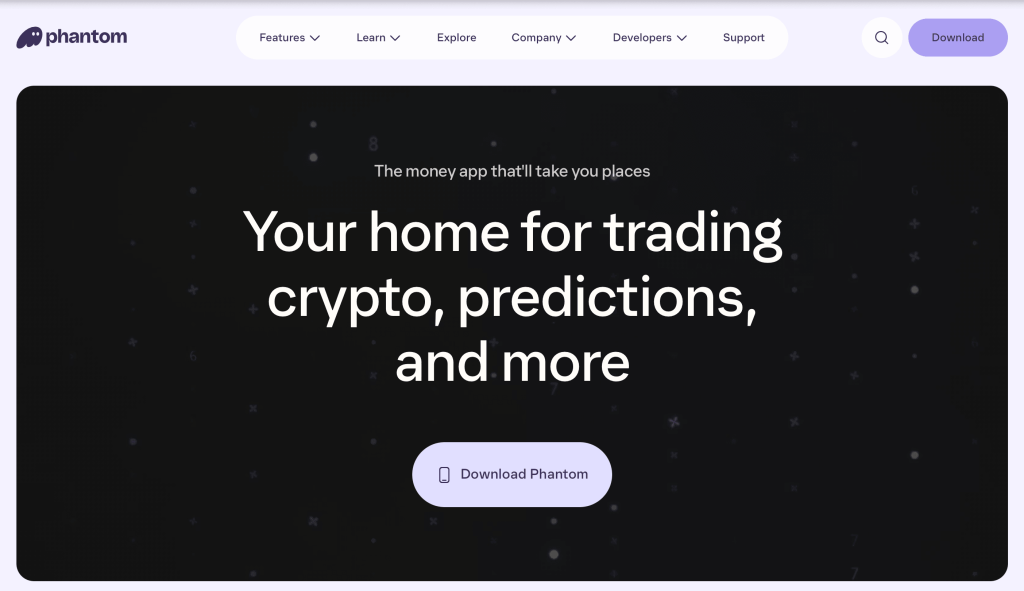
Phantom is often praised for its incredibly clean and intuitive interface. It feels exactly like a premium, modern mobile app. You can easily view your tokens, check your NFT gallery, and swap coins without any confusion. Phantom also supports other networks like Ethereum and Bitcoin, making it a great all-in-one hub for casual users who want to explore beyond Solana.
Who Should Choose Phantom?
Phantom may be the better option if you:
- Are new to crypto
- Hold assets across multiple blockchains
- Collect NFTs
- Want a simple daily wallet
- Prefer minimal setup
Its smooth interface reduces friction without sacrificing important features.
Solflare: The Power User Playground
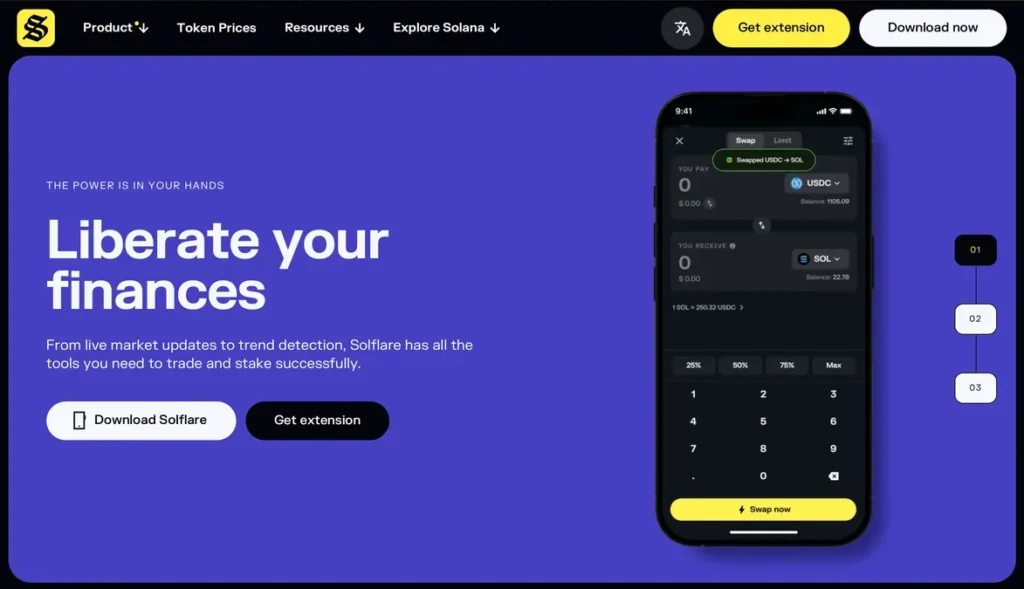
Solflare focuses heavily on the Solana ecosystem. While the interface is still very accessible, it provides deeper analytics and technical details. If you want to dive deep into Solana staking and decentralized finance, Solflare gives you granular data that Phantom might hide for the sake of visual simplicity.
Who Should Choose Solflare?
Solflare is a strong choice if you:
- Stake SOL regularly
- Want detailed validator controls
- Frequently use Solana DeFi
- Prefer advanced wallet management
- Use Ledger hardware wallets
Its feature set makes it especially appealing for users who spend most of their time within the Solana ecosystem.
Security: Is Solflare Safe Compared to Phantom?
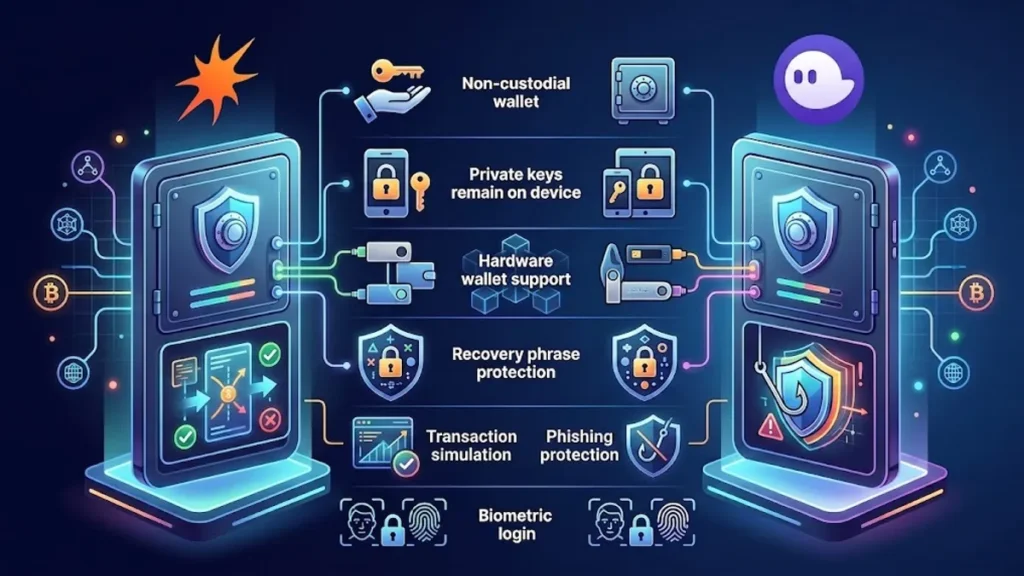
Protecting your funds should always be your top priority in crypto. You might be wondering, is Solflare safe? The short answer is yes. Both wallets are non-custodial, meaning they never store your recovery phrase on their servers.
They both support hardware wallets like Ledger wallet for offline security. Solflare adds an extra layer of protection with real-time transaction simulations, warning you if a smart contract looks suspicious before you approve it. On the other hand, Phantom also uses automated blocklists to stop you from visiting known malicious websites. Regardless of which you choose, your security ultimately depends on how well you protect your 24-word seed phrase offline.
Exploring the Solflare Extension and Mobile Apps
Accessing your funds on the go is just as important as trading on your computer. Both platforms offer seamless mobile apps for iOS and Android, alongside highly responsive browser add-ons.
The Solflare wallet extension is highly responsive and works perfectly with popular decentralized applications. You can quickly switch between the mobile app and the Solflare extension without losing track of your portfolio. Everything syncs flawlessly, allowing you to manage your assets from anywhere.
⭐️ The Solflare Card: Spending Crypto in the Real World One unique feature that sets Solflare apart is the Solflare card. This self-custody Mastercard debit card allows you to spend your USDC directly from your wallet at millions of merchants worldwide. There are no manual top-ups or hidden conversion fees. The moment you make a purchase, the crypto converts to local currency. This makes the Solflare card an excellent tool for digital nomads and everyday crypto spenders who want to bridge the gap between Web3 and the real world.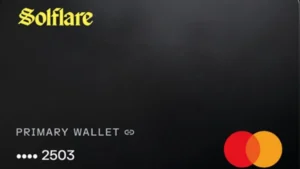
Lending, Yield, and Real-World Use
How you want to put your money to work might dictate which wallet you ultimately choose. Phantom makes basic token swapping incredibly simple and handles standard delegated staking with a few easy clicks.
Solflare caters to the true DeFi enthusiast. Beyond the advanced staking metrics, Solflare offers direct integration with the Solflare Card. This self-custodial debit card lets you spend your USDC balances at millions of real-world merchants instantly.
Regardless of whether you choose the multi-chain flexibility of Phantom or the advanced Solana tools of Solflare, you might want to look for ways to earn passive income. Connecting your chosen wallet to IZAKA-YA is a smart way to access competitive yields and flexible lending options.
Solflare vs Phantom: Ecosystem and Extra Features
A great wallet does more than just hold your coins. Phantom shines in its multi-chain support. If you hold Ethereum, Bitcoin, and Solana, you can view them all in one single place. Solflare, however, doubles down on Solana native tools. It offers advanced crypto staking options where you can track validator performance closely.
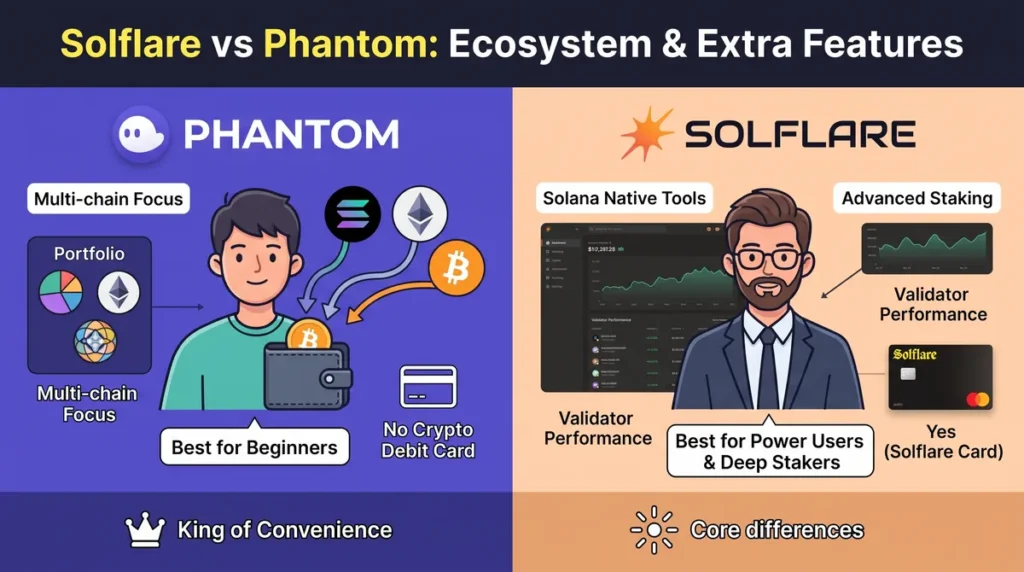
Let’s summarize their core differences in a quick comparison table:
Feature
Phantom
Solflare
Primary Focus
Multi-chain (Solana, Ethereum, Bitcoin)
Solana Native
Best For
Beginners and casual cross-chain users
Power users and deep Solana stakers
Crypto Debit Card
No
Yes (Solflare Card)
Security Alerts
Basic phishing blocklists
Advanced real-time transaction simulation
Choosing between Phantom and Solflare simply comes down to how you interact with the blockchain. If you value a streamlined aesthetic and hold assets across multiple networks, Phantom remains the undisputed king of convenience. If you live and breathe the Solana ecosystem and demand deep technical data, Solflare gives you the exact tools you need.
How to Earn Passive Income and Buy Solana on IZAKA-YA
Designed specifically for newcomers, IZAKA-YA provides a seamless entry point into the cryptocurrency market. The platform prioritizes a clear and intuitive experience for managing digital assets, carefully avoiding the overwhelming complexity often found in advanced trading tools.
Once you are comfortable, the application allows you to go far beyond basic storage. You can easily swap supported tokens directly within the interface. Furthermore, IZAKA-YA serves as an excellent way to earn passive income on your digital assets without the hassle of transferring funds across multiple different exchanges. The highly accessible design removes the typical steep learning curve, empowering complete beginners to navigate their portfolios confidently while discovering the wider blockchain ecosystem.
Start using IZAKA-YAkeyboard_arrow_right
To help you get started, we will walk you through the quick setup process below. Following that, we will show you exactly how to buy your first coin right inside the wallet. For this tutorial, we will focus specifically on how to purchase Solana.
Step 1: Account Registration
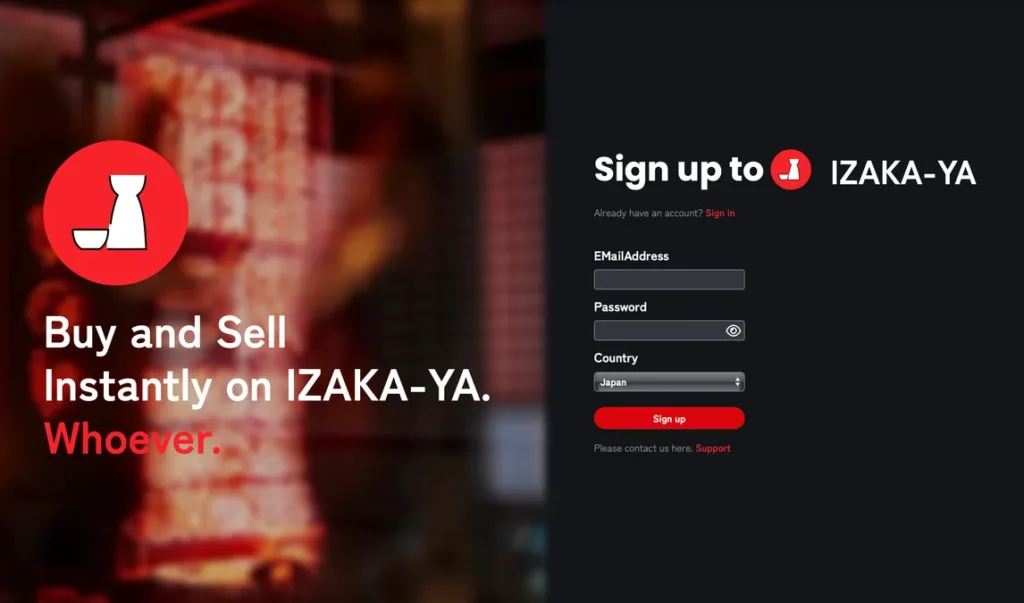
To get started, navigate to the official registration page to create your secure credentials.
-
Enter Your Information: Provide a valid email address and create a strong, secure password.
-
Select Your Country: Choose your current country of residence from the drop-down menu.
-
Submit: Click the prominent red Sign up button to initialize your account creation.
Step 2: Email Authentication
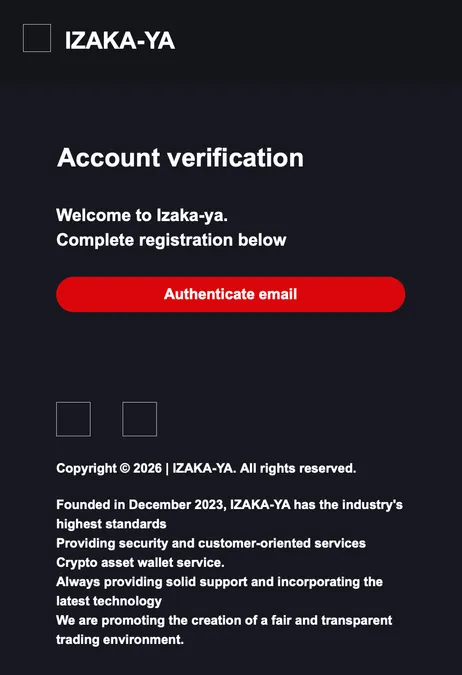
Before accessing your wallet features, you must verify your identity through your email client.
-
Check Your Inbox: Look for an account verification message sent from the platform.
-
Verify Account: Click the large red Authenticate email button inside the message to officially activate your account.
Step 3: Access Your Dashboard
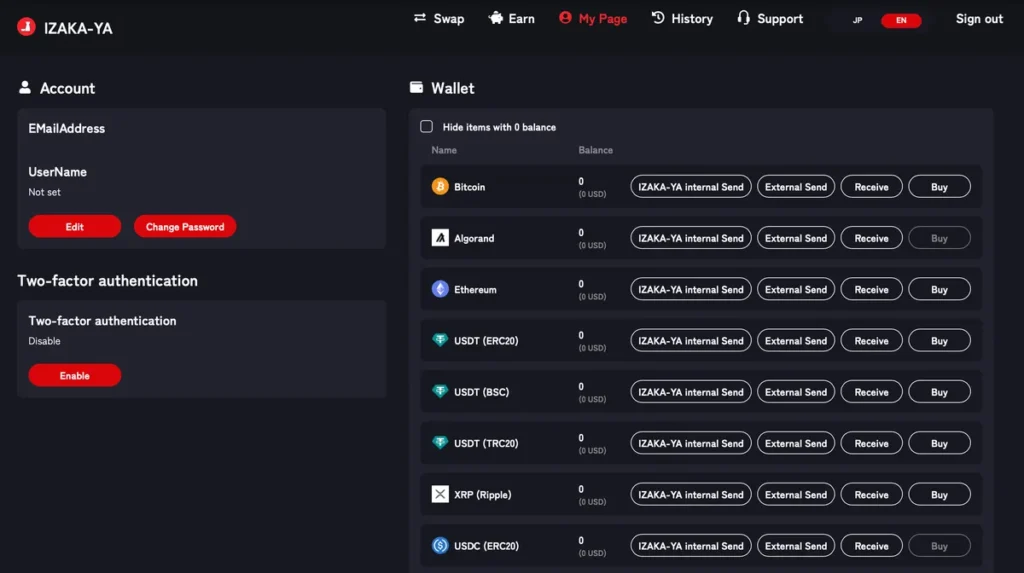
Once verified, you will be redirected to your personal dashboard where you can manage your digital assets.
-
Navigate to My Page: This main interface displays your account status, security tools, and wallet balances.
-
Enhance Security (Recommended): For optimal fund safety, look at the left-hand panel under Two-factor authentication and click Enable to turn on 2FA protection.
-
Locate Your Target Coin: Scroll down the asset list in the Wallet section, find the cryptocurrency you want to purchase, and click the corresponding Buy button on the far right.
Step 4: Configure Your Solana (SOL) Purchase
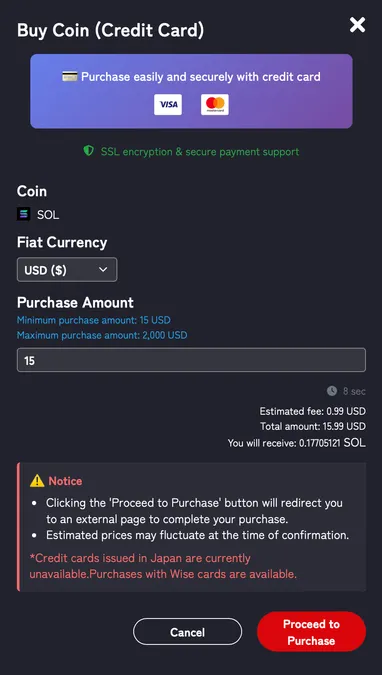
Clicking the buy button opens the secure payment modal where you can customize your order details.
-
Confirm Token & Currency: Ensure the selected asset is SOL and choose your preferred fiat currency (such as USD) from the drop-down menu.
-
Input Purchase Amount: Enter the amount you wish to spend. Keep in mind that the system requires a minimum purchase value of 15 USD and allows up to a maximum of 2,000 USD per transaction.
-
Check Payment Compatibility: Note the active platform notice regarding card processing. If you are using a standard card issued in Japan, please utilize a Wise card instead to ensure a seamless checkout process.
-
Finalize Order: Click the red Proceed to Purchase button to be securely redirected to the external payment gateway to finalize your transaction.
Final Verdict: Which One Should You Choose Between Solflare vs Phantom ?
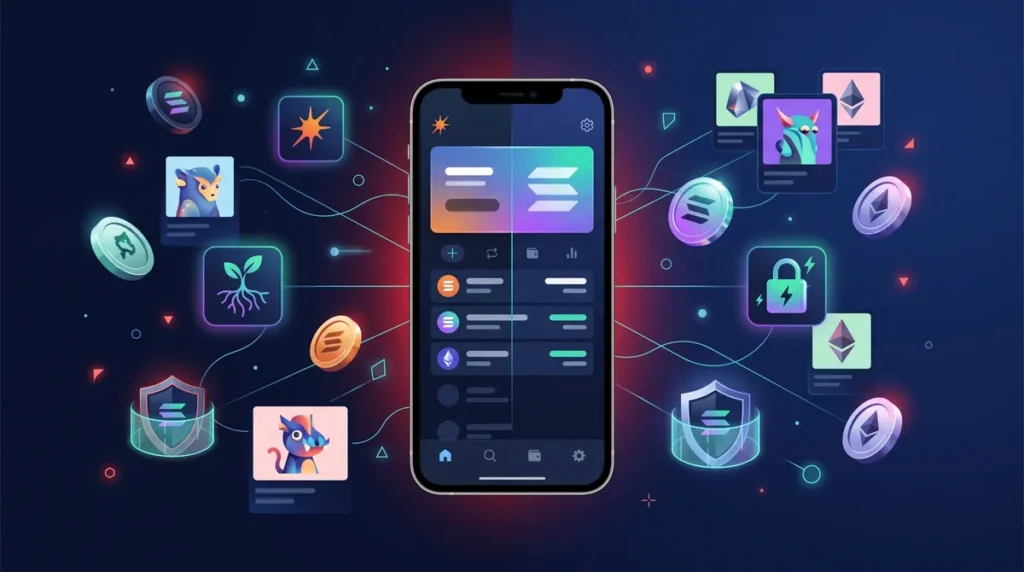
Making the final decision comes down to your personal crypto goals. In the Solflare vs Phantom debate, there is no single loser. If you want a smooth multi-chain experience and prefer a simple interface, Phantom is likely your best bet. On the other hand, if you are a dedicated Solana user who wants advanced staking tools and the ability to spend crypto in the real world, this Solflare wallet review points you clearly toward Solflare.
Their baseline security measures are equally strong. Both wallets keep your private keys encrypted locally on your device. Neither company has access to your funds. Additionally, both platforms support biometric logins like FaceID for mobile users and integrate flawlessly with standard hardware wallets such as Ledger devices to keep your assets completely offline.
Frequently Asked Questions (FAQ)
Yes. You can import the exact same recovery phrase into both Phantom and Solflare to test them out and see which interface you prefer.
You can apply for and manage the card directly through the Solflare mobile app, but the browser extension works perfectly with your account as well.
Phantom is generally considered slightly easier for absolute beginners due to its minimalist design and multi-chain support.
Yes. Instead of choice between Solflare vs Phantom, many experienced crypto users install both wallets. For example, they may use Phantom for daily transactions and NFT management while using Solflare primarily for staking and validator management.
Solflare generally provides more detailed staking tools, validator information, and reward management, making it a preferred choice for dedicated SOL stakers.